Introduction to Motor Skills Disabilities
Summary
Section titled “Summary”People with motor skills disabilities have specific access needs that affect:
- their ability to handle, manipulate, or use objects
- how they lift, grasp, reach or put down objects
- their ability to control movements needed to use objects.
These needs affect many daily activities, such as cooking, working, and writing. Motor skill access needs may be permanent, temporary, or situational. People with these disabilities often use digital products in specific ways as well. They benefit from thoughtful design and clear processes.
Overview
Section titled “Overview”Various disabilities affect people’s motor skills, or how they use their hands and other parts of their body to achieve tasks. People with these disabilities have specific access needs in the physical world. These needs vary, but include:
- How people grasp, handle, control, or use objects
- How people reach, move, lift, or lower objects
- How people access elements that are lower to the ground or above them
- The stability of people’s bodies and bodily movements
Common needs for people with motor skills disabilities include:
- Limited fine motor control
- Limited grasping and grip strength
- Limited lifting
- Limited range of motion
- Limited reach or range
- Tremors and spasms
These needs can also be supported in communications, digital tools, and other venues. Guidance on how to address these needs is available on useable.
Many disabilities impact motor skills. Common disabilities include, but are not limited to:
- Aging
- Amputation
- Arthritis
- Cerebral palsy
- Chronic pain
- Joint injuries
- Multiple sclerosis
- Spinal cord injuries
- Stroke
Motor skills disability descriptions
Section titled “Motor skills disability descriptions”Digital and physical accessibility can benefit people with motor skills needs. Techniques to meet these access needs are covered in many different ways in different parts of Ta11y, and these listings are not exhaustive.
Limited fine motor control
Section titled “Limited fine motor control”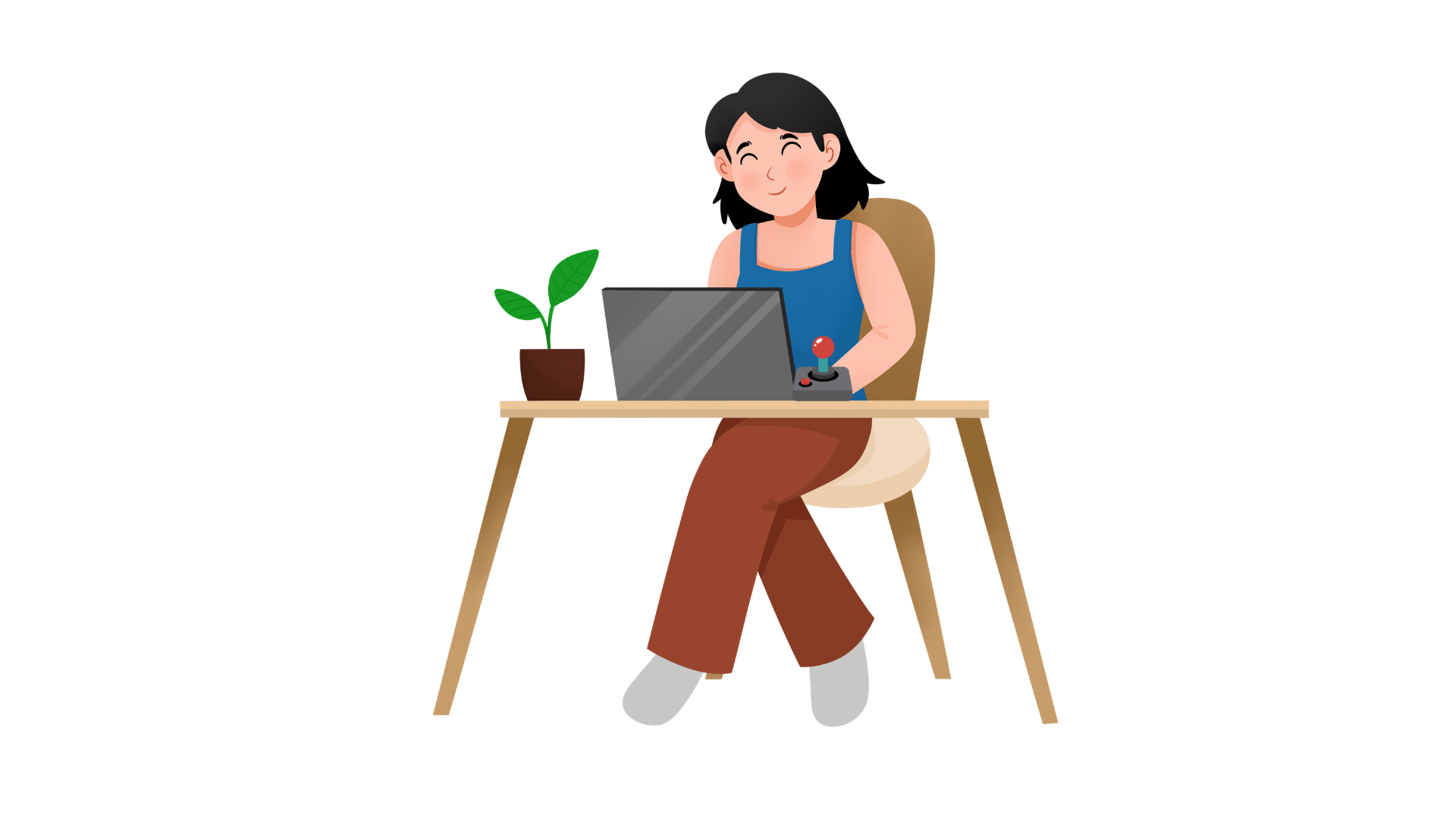
People with this access need may:
- have difficulty handling, feeling, or sensing objects
- face challenges in twisting, pinching, or moving objects, especially when they are small
- be unable to or face difficulty when using their fingers to achieve a task
People with limited fine motor control often benefit from:
- automatic or voice-activated controls
- buttons, handles, and elements that are larger and easier to use
- assistive devices to hold or manipulate objects
- adaptive equipment, such as adjusted eating utensils or joystick mice
- buttons and other tools that do not require specific use of the fingers or wrist
Common disabilities associated with this access need include, but are not limited to:
- Amputations
- Arthritis
- Cerebral palsy
- Chronic pain
- Dyspraxia
- Multiple sclerosis
- Parkinson’s disease
- Brain or spinal cord injury
- Stroke
Learn more from Controls and Operable Parts (Ta11y).
Limited grasping and grip strength
Section titled “Limited grasping and grip strength”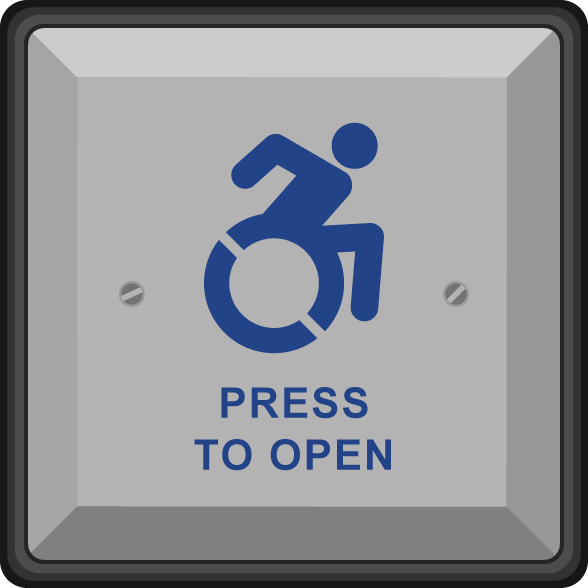
People with this access need may have a limited ability to grasp, hold onto, grip, or squeeze objects. They might also have a limited ability to apply force to objects with their hands or fingers.
People with limited grasping and grip strength often benefit from:
- controls, tools, and elements that do not require grasping or gripping, such as an automatic door button
- automated and voice-based controls
- multiple methods of using physical objects
- assistive devices to hold or manipulate objects
- adaptive equipment, such as adjusted eating utensils
Common disabilities associated with this access need include, but are not limited to:
- Arthritis
- Burn injury
- Cerebral palsy
- Fibromyalgia
- Hand or wrist Injuries
- Myasthenia gravis
- Raynaud’s disease
- Brain or Spinal cord injury
- Stroke
Learn more from Tools and Elements (Ta11y).
Limited lifting
Section titled “Limited lifting”People with this access need have difficulty lifting objects, particularly above shoulder height or when objects weigh more than 5 pounds/2.3 kilograms.
People with this access need often benefit from:
- tools to help them lift and lower objects
- surfaces at a height such that objects do not need to be lifted
- automated devices that substitute for lifting tasks
- devices that carry objects or help them move objects without carrying them
Common conditions associated with this access need include, but are not limited to:
- Aging
- Amputation
- Arthritis
- Back injuries
- Ehlers-Danlos syndrome
- Muscular Dystrophy
- Post-surgery recovery
- Pregnancy
Learn more from Tools and Elements (Ta11y).
Limited range of motion
Section titled “Limited range of motion”This need relates to how joints move.
People with this access need might have difficulty with many tasks related to using their joints. These tasks include bending down, climbing, kneeling, sitting, or squatting. People with this access need may have limited movement of their arms and legs, or may not be able to move their limbs in certain ways. People with motor skills disabilities may have limited reach or range.
People with this access need often benefit from:
- Adjustable furniture and devices
- Automated or voice-activated controls
- Tools to help them reach, lift, or lower objects
- Slip-resistant floor surfaces
Common disabilities associated with this need include, but are not limited to:
- Aging
- Burn injury
- Chronic pain
- Joint injury
- Spina bifida
- Spinal cord injury
Learn more from Tools and Elements (Ta11y).
Limited reach or range
Section titled “Limited reach or range”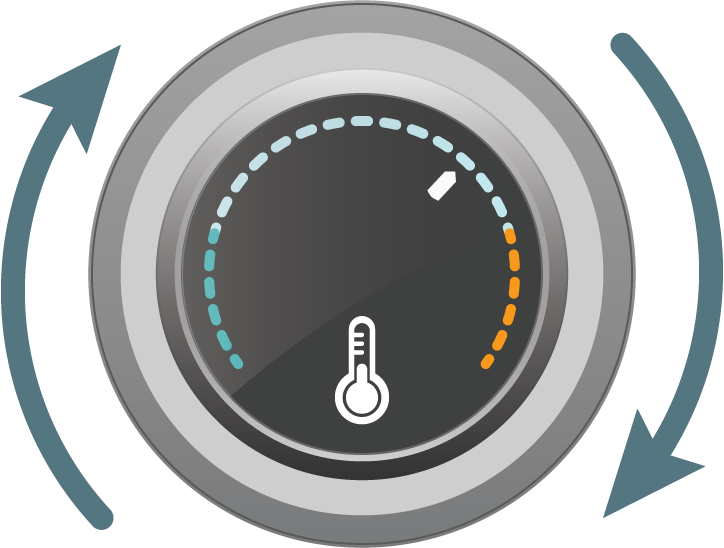
People with this access need have difficulty with reaching objects low to the ground, above them, over objects, or beyond a certain distance. This need is related to limited range of motion, but entails how far a person can extend their body or access space around them.
People with this access need often benefit from:
- Placement of tools, elements, or controls in easily accessed areas
- Adjustable furniture and devices
- Automated and voice-activated controls
- Devices that help people handle, lift, or lower objects
Common disabilities associated with this need include, but are not limited to:
- ALS
- Amputation
- Little person
- Multiple sclerosis
- Myasthenia gravis
Learn more from Controls and Operable Parts (Ta11y).
Tremors and spasms
Section titled “Tremors and spasms”People with this access need may have hands or muscle groups that shake or seize up.
People with tremors and spasms often benefit from:
- automatic or voice-activated controls
- buttons, handles, and elements that are larger and easier to use
- equipment that is less sensitive to motion
- adaptive equipment, such as adjusted eating utensils
- the ability to turn off motion activation for devices
- adjustable sensitivity settings in digital tools
- input methods that allow keyboard, switch, or voice alternatives
Common disabilities associated with this access need include, but are not limited to:
- ALS
- Essential tremors
- Huntington’s Disease
- Multiple sclerosis
- Muscular dystrophy
- Parkinson’s disease
- Tourette syndrome
Learn more from Controls and Operable Parts (Ta11y).
Accessibility Impacts
Section titled “Accessibility Impacts”People with motor skills disabilities often face barriers in the built environment. Common barriers include:
- Items that are not usable without fine motor skills, grasping, or grip strength. Examples include:
- a washing machine that requires twisting a knob
- a door that requires grasping a handle
- a remote control that requires gripping an object
- Placement of objects such that someone must bend over or reach above their head, including when the object is heavy. Examples include:
- placing objects on the floor at a store
- placing books above head height on a shelf
- Elements that a person cannot reach or manipulate easily. Examples include:
- A thermostat or light switch that is high on the wall
- A faucet close to the ground
- Tools that are very sensitive to a person’s motions. Examples include:
- A sewing machine with small, close together switches that are controls
- A motion-based sensor for turning on or off a light
- An artificial intelligence tool that measures hand motion through a camera
These access needs also intersect with barriers found in the digital space. One common example is interactive software that does not account for users’ tremors, or requires hand motions to operate.
People with access needs related to motor skills disabilities may need to conduct certain processes or tasks in a way that differs from how other people may do so. For example, they may change the way they prepare food in a commercial kitchen, or their procedure for “clocking out” at the end of a shift. They may also require more information about how they can use a product or service, for example, through a product manual. Built environments can be made more accessible for people with motor skills disabilities by addressing these needs.
Supporting Methods
Section titled “Supporting Methods”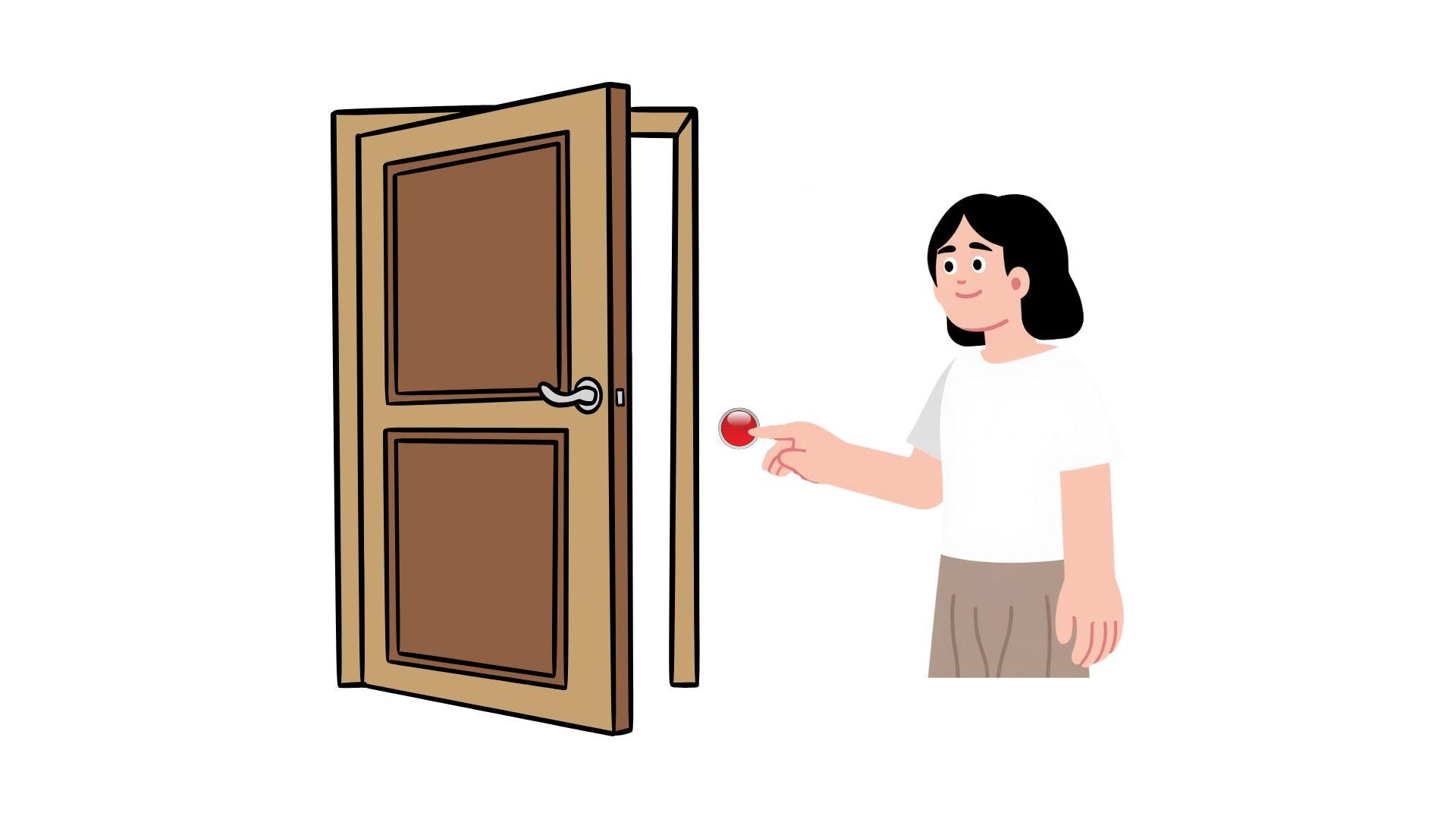
This section lists examples of supporting methods that can help people with motor disabilities use products or achieve tasks. This list cannot cover every possible case as specific needs and skills may vary depending on the individual. Consult other Ta11y pages for more detailed information.
General Guidelines
Section titled “General Guidelines”- Ensure users can operate products in multiple ways - for example, by voice and by hand motion.
- Avoid using motion-sensitive tools, input methods, or other products when possible.
Controls, tools, and elements
Section titled “Controls, tools, and elements”- Provide automated controls when possible.
- Provide tools, elements, and controls that can be used in more than one way - for example, by voice or by hand.
- Place controls, tools, and elements within standard reach ranges.
- Use tool designs that people can use with different hand or limb positions and shapes.
You can learn more from Ta11y articles about controls and elements.
Devices and equipment
Section titled “Devices and equipment”- Where possible, provide devices that do not rely on hand operation alone.
- Choose devices and equipment that provide large buttons or knobs that do not require tight pinching, gripping, or twisting the wrist.
- Use devices, equipment, furniture, and other items that allow users to make adjustments to height or methods of use.
- When possible, allow for voice-controlled or other automatic operation of devices and equipment.
- Provide multiple types of devices, equipment, furniture, or utensils for people with different needs.
You can learn more from Understanding Accessible Features and Elements (Ta11y), Furniture (Ta11y), and Physical Accessibility Practices - Tools (Ta11y).
Placement practices
Section titled “Placement practices”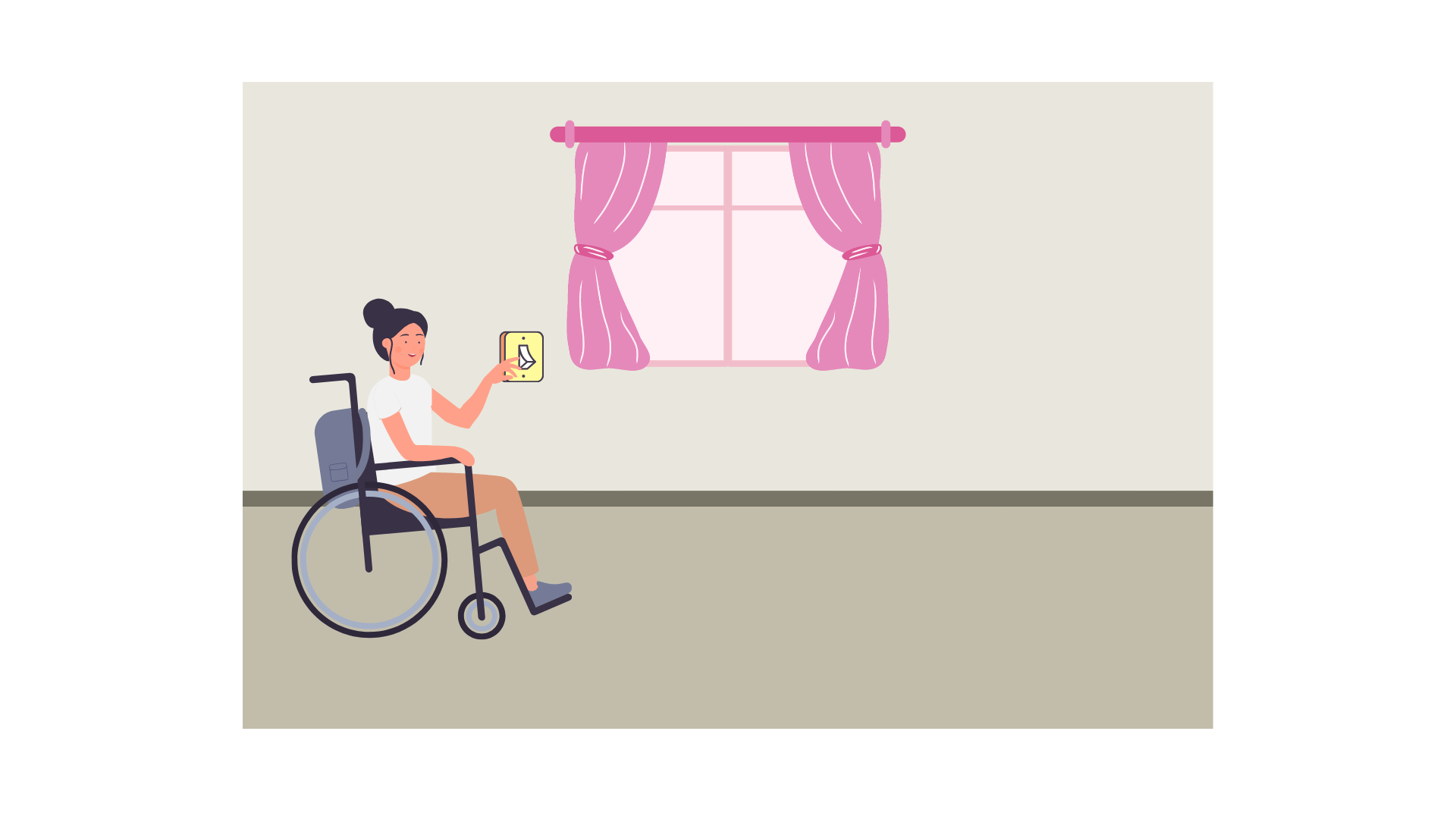
- Place elements where people can reach them from a standing or sitting position.
- Place objects, when possible, at a range similar to elements.
- Spread out controls so that people do not trigger another control while operating the control they choose.
You can learn more from other Ta11y articles about controls, tools, and elements.
Communicating about access needs
Section titled “Communicating about access needs”- Many people with motor disabilities have specific, less common access needs. Make it easy for people to ask for human help, rather than an FAQ or chatbot, to learn about the features of a product or what is available in a space.
- Provide clear instructions on how to use products or tools in various ways when possible.
- Offer assistance for anyone who asks in physical spaces. Make it easy for someone to find assistance.
- Let users know if your software, website, or other digital tool uses features that are motion-activated, or other software that measures body motion.
You can learn more from the Ta11y section on Writing Accessible Content.
Examples
Section titled “Examples”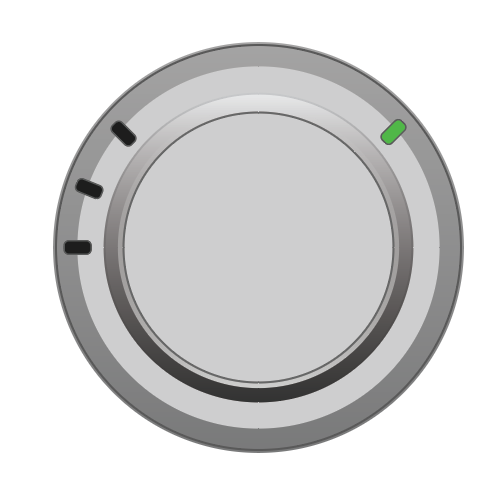
Ari has multiple sclerosis, and has difficulty grasping and twisting objects, and tremors that can make it difficult to twist objects or lift things without dropping them. He is buying a new washing machine and a thermostat. He is looking for a machine that is front-loaded, so he does not have to lift clothes too high when putting them into or taking them out of the washing machine. He is also looking for a machine that has either buttons or knobs that he can turn with a fist to set the washing cycles and turn the machine on and off. Ari is also looking for a thermostat with a big enough knob that he can turn without grasping or twisting his wrist (such as the thermostat in Figure 3).
Helga is an amputee on her left arm, and she is also pregnant. She often uses assistive devices to grasp objects, but she has trouble grabbing objects that are high, or handling large objects with her right hand alone. In addition, she can only lift so much weight during her pregnancy, and she has difficulty bending over to reach items. When she goes shopping at the grocery store, she often finds it difficult to reach items on the top or bottom shelf, especially if she needs to put them back again. She often looks for items that are roughly at the same level as her eyes or arms, and sometimes asks for help from store staff.
Geitir has an essential tremor; his hands and arms often shake. He is playing a new video game that requires certain body movements that link to the controller. He uses a customized controller that reduces movement caused by his tremor, and looks for settings in the video game that allow him to play without losing game time from tremor movements that are registered as game play. These settings help him reduce the controller’s sensitivity.
Halla has Tourette syndrome and dyspraxia. She has difficulty controlling the movement of her hands at times, and she has a tic in which she turns her head to the right. She is taking a professional certification test on the computer. Normally, the test is administered with the camera on to detect eye and hand movement to prevent cheating. However, this software cannot differentiate voluntary eye movement from Halla’s tic. Halla requests as an accommodation that this software is turned off during the test, and an alternate method is provided. The certification body offers either an exam in which there is a live proctor, or one in which the proctor administers the test over video.
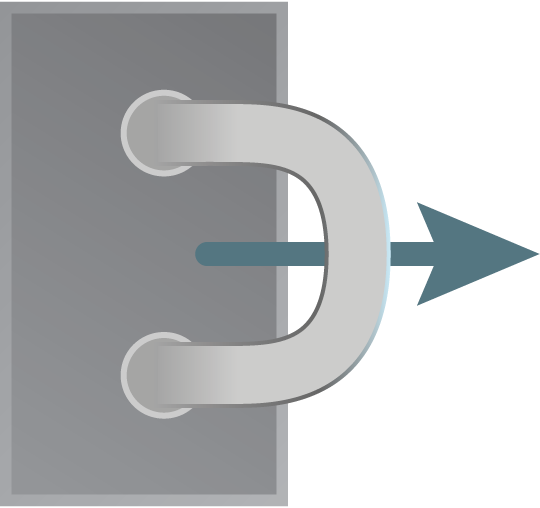
Baldur has arthritis, and grasping door handles with his hand can be painful. He prefers door handles with a lever or a D-shaped handle, rather than a knob or small handle, so that he does not have to change the position of his hand or fingers when opening or closing a door.
![A lever door handle moving downward with an arrow motion/(@assets/images/learning/introduction-to-specific-disabilities/motor-skills-figure-8.png)
Related Ta11y Articles and Videos
Section titled “Related Ta11y Articles and Videos”Many of these articles are forthcoming.
- Understanding Physical Accessibility (Ta11y)
- Understanding Inclusive Design (Ta11y)
- Understanding Accessible Features and Elements (Ta11y)
- Understanding Accessible Alternatives (Ta11y)
- Understanding User Control (Ta11y)
- Understanding Keyboard Navigation (Ta11y)
- Understanding Keyboard Focus (Ta11y)
- Introduction to Pointer and Other Inputs (Ta11y)
- Dictation and Voice Control Tools (Ta11y)
- Keyboard Alternatives (Ta11y)
- Doors, doorways, and gates (Ta11y)
- Introduction to Controls and Operable Parts (Ta11y)
- Introduction to Interactives (Ta11y)
- Introduction to Inclusive Play and Gaming (Ta11y)
- Tools and elements (Ta11y)
References
Section titled “References”- Cleveland Clinic Health Library
- Job Accommodation Network (JAN) A to Z
- The Listing of Impairments for adults provided by the United States’ Social Security Administration (SSA).
- Guide to the List of Recognised Disabilities provided by the Australian Government Department of Social Services.
- Motor disabilities guidance from WebAIM
- Movement disorders from the Mayo Clinic